
Parser-Friendly Resume Example
Fictional parser-friendly resume example tailored around Parser checks, Section headings, Contact parsing. The layout emphasizes relevant experience, truthful keywords, and fast scanning for recruiters and ATS systems.
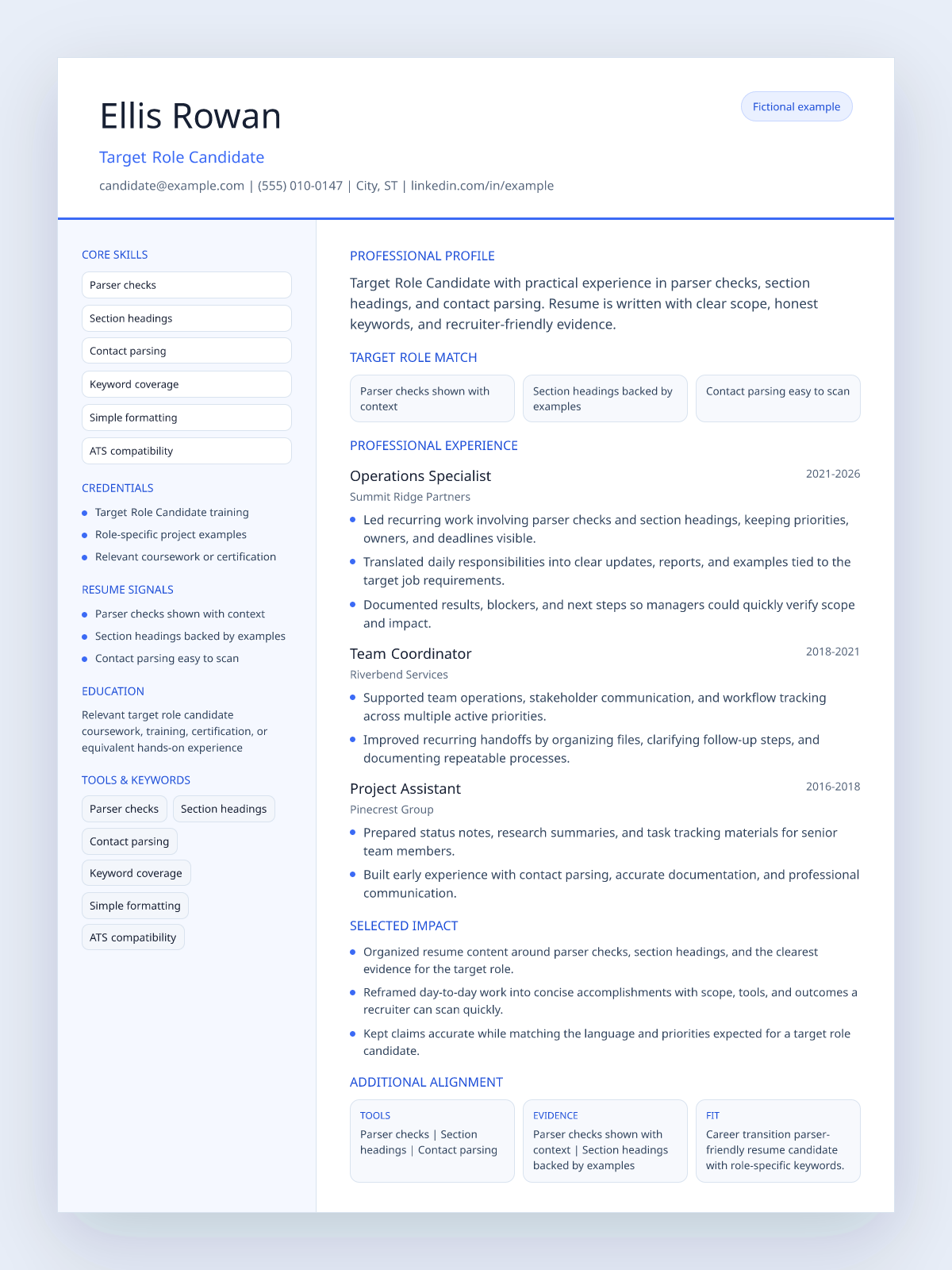
- The summary names the target role directly instead of staying generic.
- The skills section mirrors terms a recruiter or ATS is likely to scan for.
- The experience bullets connect work history to scope, tools, and outcomes.
You want to verify that your resume file can be parsed cleanly before submitting it to employers. You may have received no responses despite a strong background, and suspect a formatting issue may be affecting how your resume is being read by automated systems.
Visually formatted resumes — those with columns, tables, text boxes, or graphics — are frequently misread by parser software. When text extracts out of order or is missed entirely, the ATS matching score drops even if the content is strong.
- Using a resume template with decorative columns, graphics, or icons that interrupt text flow during extraction
- Putting contact information inside a header image rather than as plain text at the top of the document
- Using custom section labels that parsers may not recognize as Experience, Education, or Skills
Role-specific resume bullets
- Skills section labeled clearly, listed in a single-column format with tools named individually. Each role in the experience section appears in chronological order with title, employer, dates, and bullets intact.
- Highlighted Parser checks, Section headings, Contact parsing experience so recruiters can quickly connect the candidate's background to the target job.
- Organized accomplishments around measurable scope, relevant tools, and clear business outcomes while keeping every claim accurate.
Apply the pattern to your own resume
- Paste your resume text into a plain text document and read through it: if anything is missing or out of order, your file may parse poorly
- Export your resume as a text-based PDF rather than a flattened image: most word processors and design tools offer this option
- Use standard section headings so parsers can identify them: Experience, Education, Skills, and Certifications are widely recognized
More resume examples
Tailor your resume before you apply.
Use this example for direction, then generate a version based on your real resume and the specific job description.
Tailor My Resume